
Step 1 of AI Video Creation
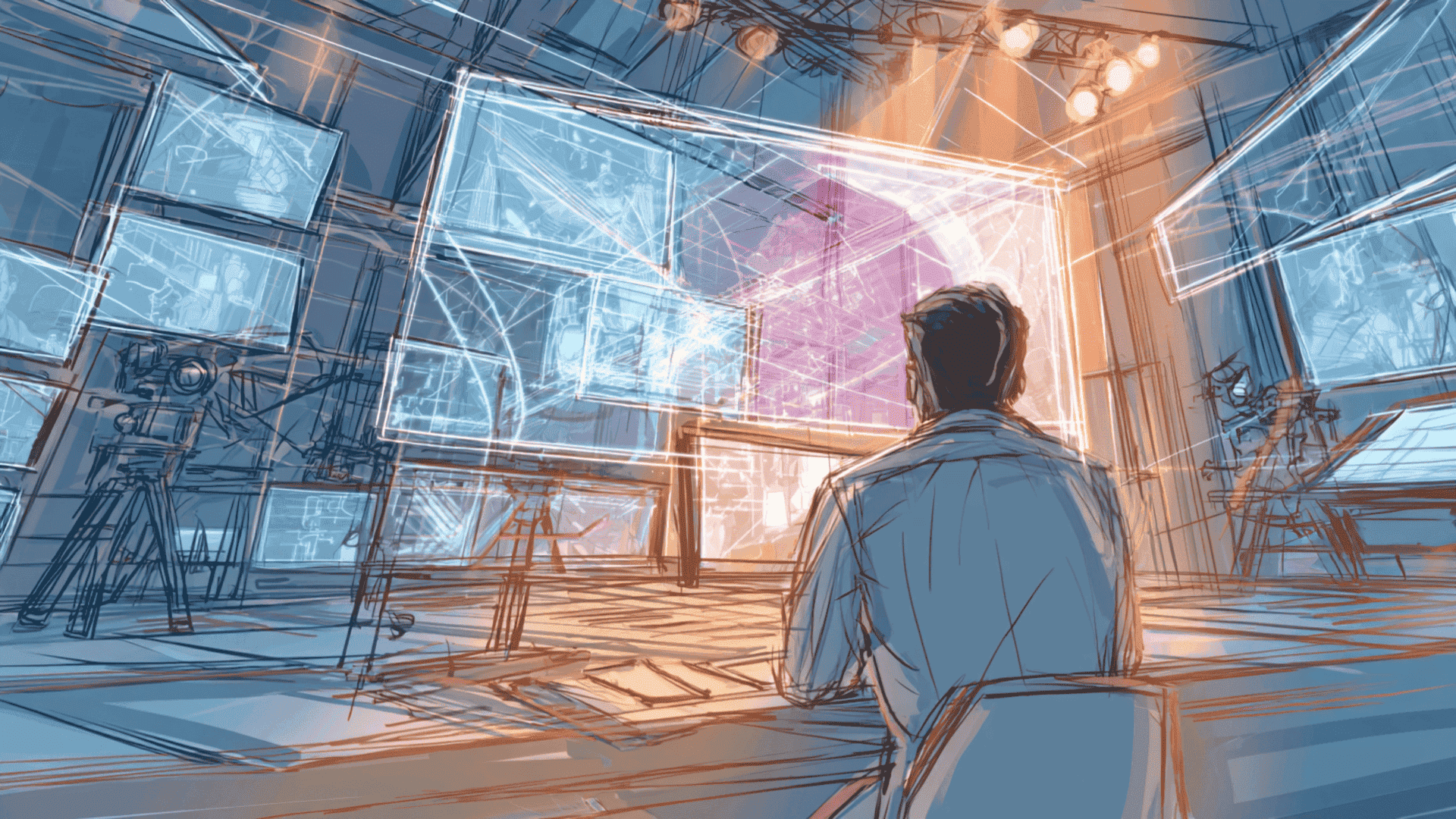
With AI video generators, typing a short description can instantly produce a moving image—it feels magical. Yet results often fall short. More often than not, the issue lies not with the tool, but with how the description is crafted.
AI's visual understanding is rooted in a century of film and television language. This guide breaks down foundational cinematography concepts, equipping you to communicate with AI using precise, professional visual vocabulary.
1. Composition — Guiding the Viewer's Eye
Composition is the art of arranging visual elements within a frame, with the goal of clarifying the subject and directing attention.
Aspect Ratio — Choosing Your Frame's Shape
- 9:16 vertical: Ideal for TikTok/Shorts-style mobile experiences; highly immersive.
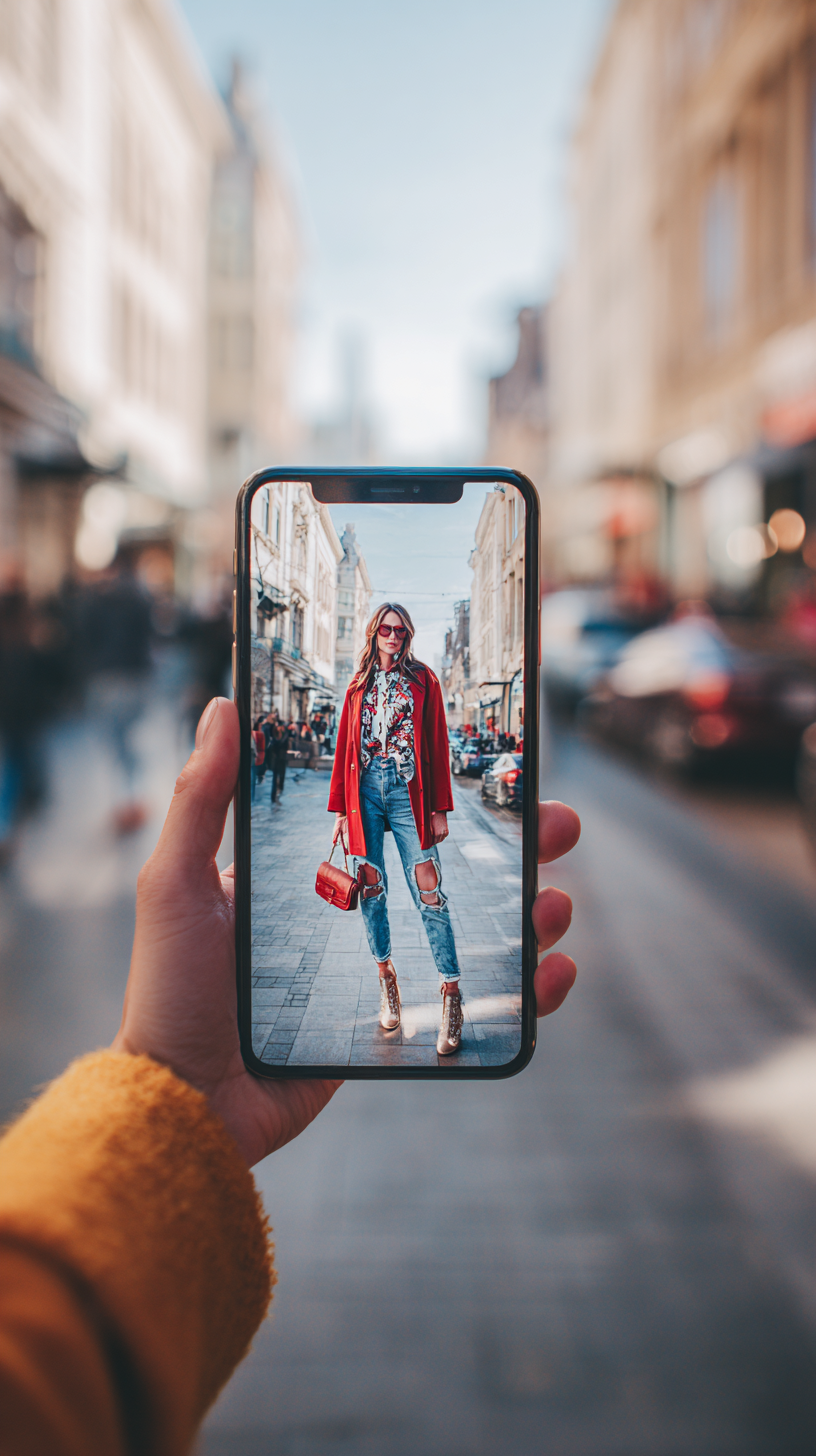
- 16:9 widescreen: More cinematic; well-suited for YouTube and desktop viewing.

Shot Size — The Basic "Units" of Visual Language
Shot size determines how much information the audience perceives:
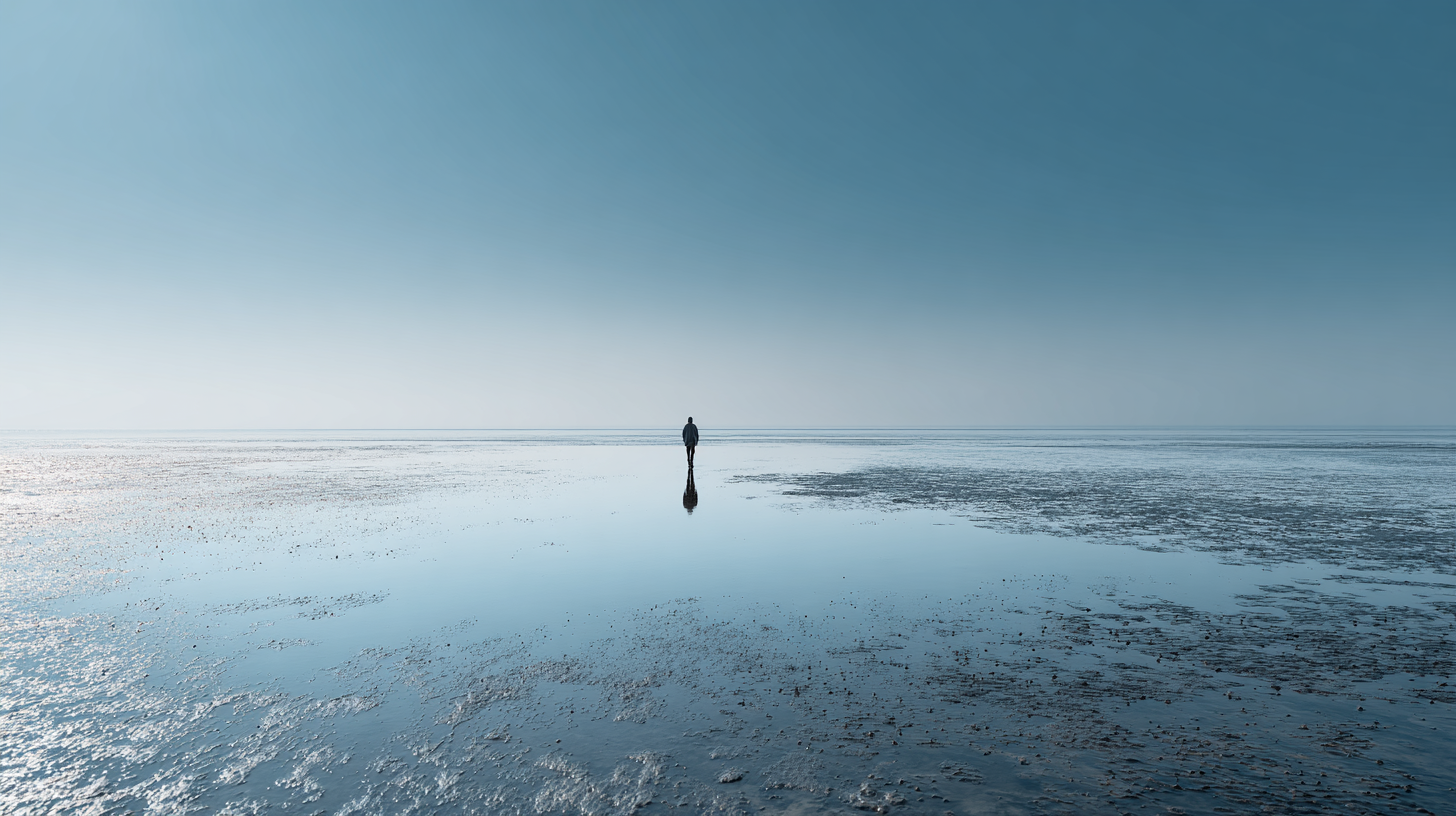
- Extreme Long Shot / Long Shot: Emphasizes environment; characters appear small and distant.
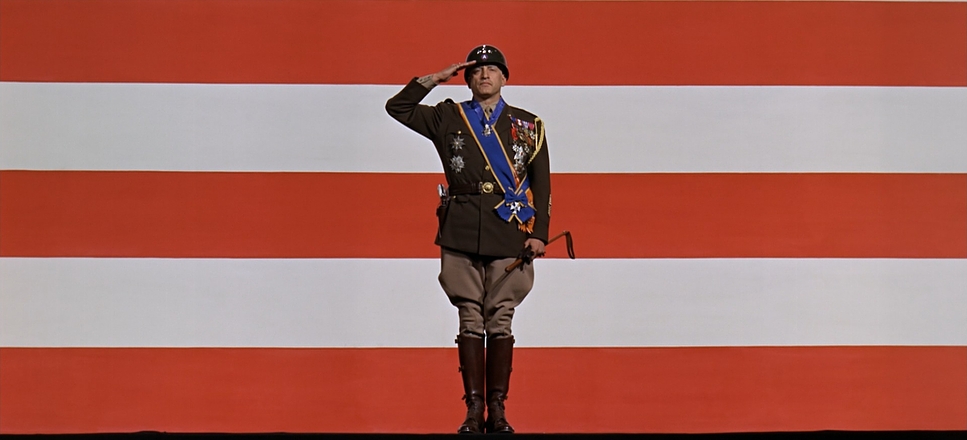
- Full Shot: Shows the full body and spatial context.
- Medium Shot: Frames the body from roughly the knees or waist up; perfect for storytelling.
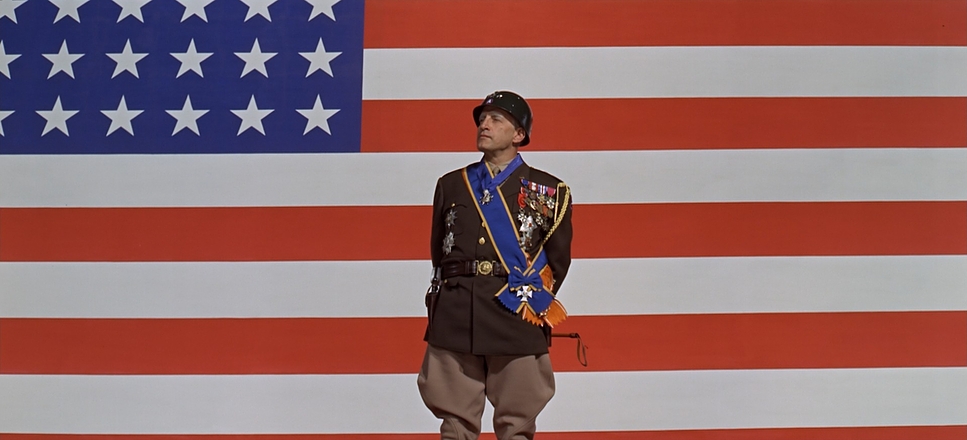
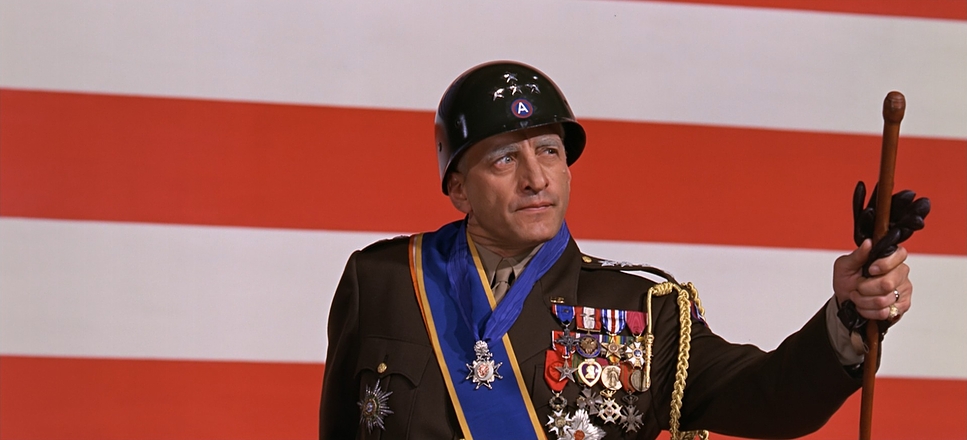
- Close-Up: Highlights emotions and facial detail.
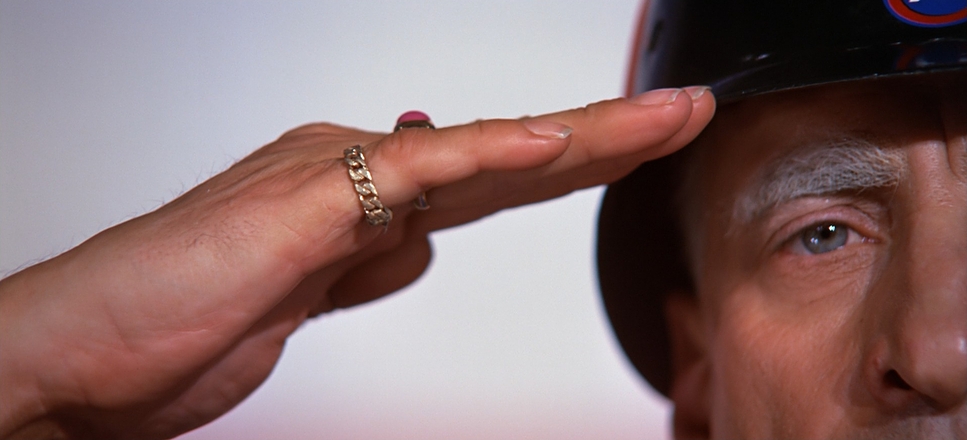
- Extreme Close-Up: Magnifies a single detail (a hand, an eye, etc.); highly dramatic.
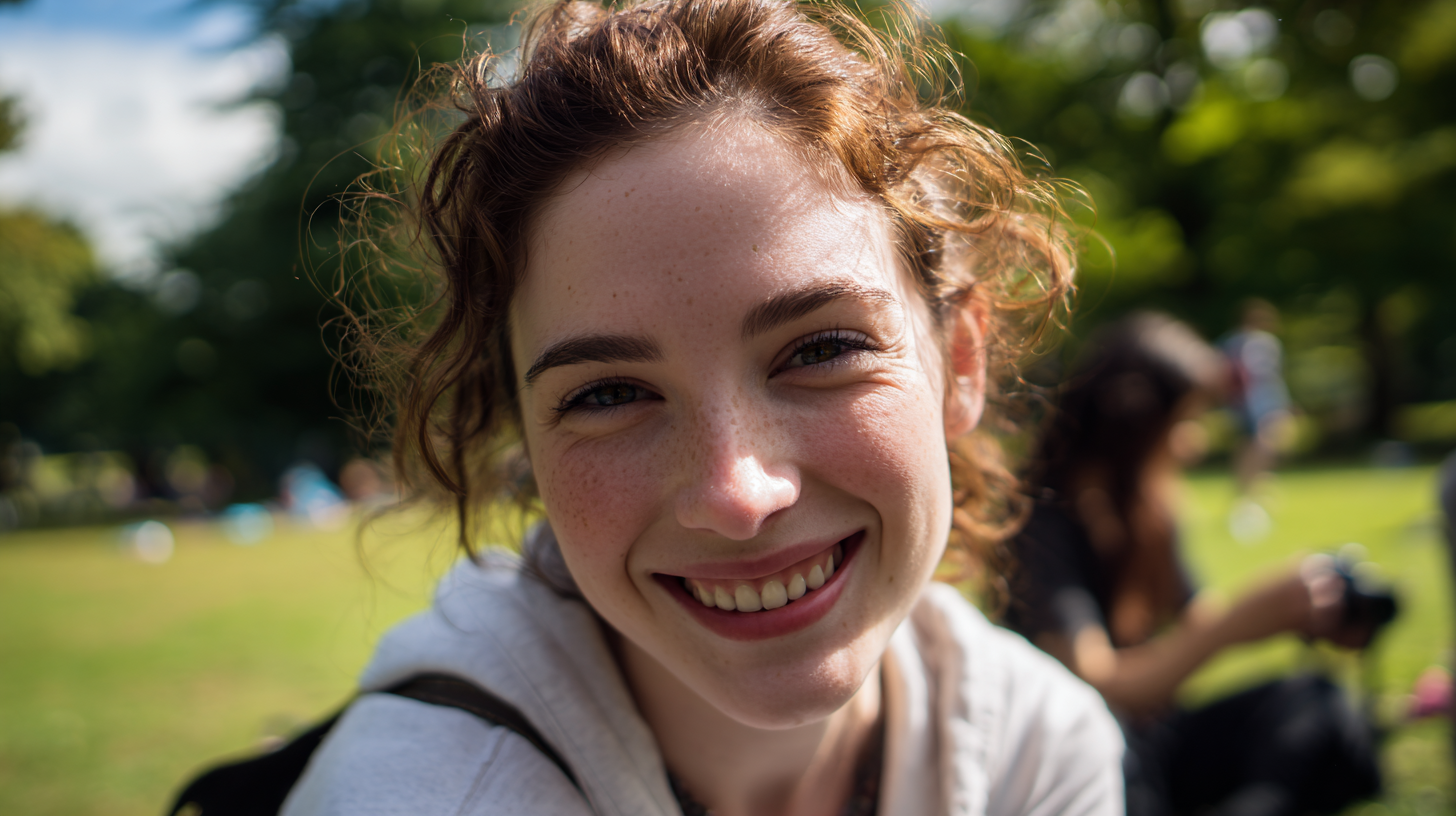
Camera Angle — Giving the Frame an Attitude
- Eye-Level: Neutral and realistic; our everyday perspective.
- Low Angle: Makes the subject appear powerful or imposing (e.g., Citizen Kane).
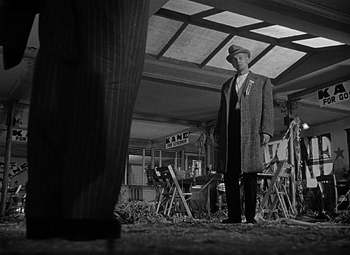
- High Angle: Suggests vulnerability or smallness; also useful for spatial clarity.
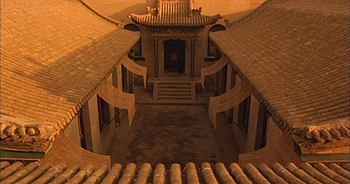
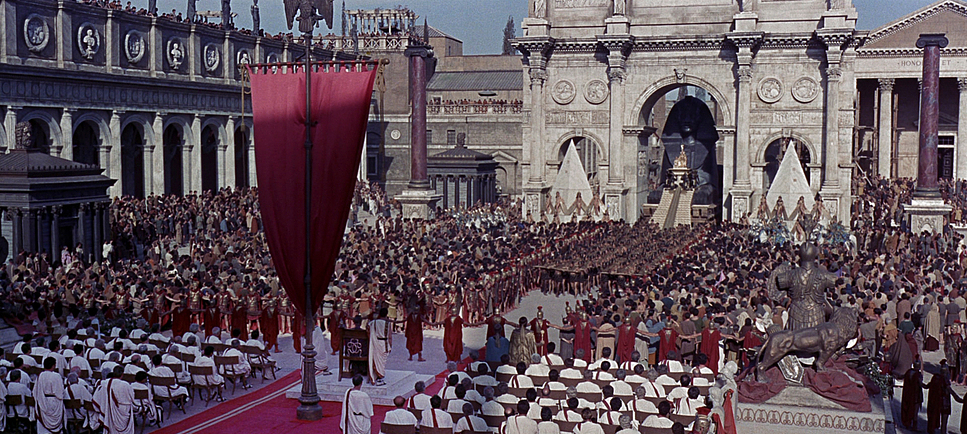
2. Light & Color — Shaping Mood, Atmosphere, and Style
Lighting acts as the "brush" of moving images, while color serves as the emotional "palette." Together, they establish the psychological tone of a scene.
Lighting — Sculpting Form and Emotion
Light Direction
- Front Light: Clear and bright, but visually flat.
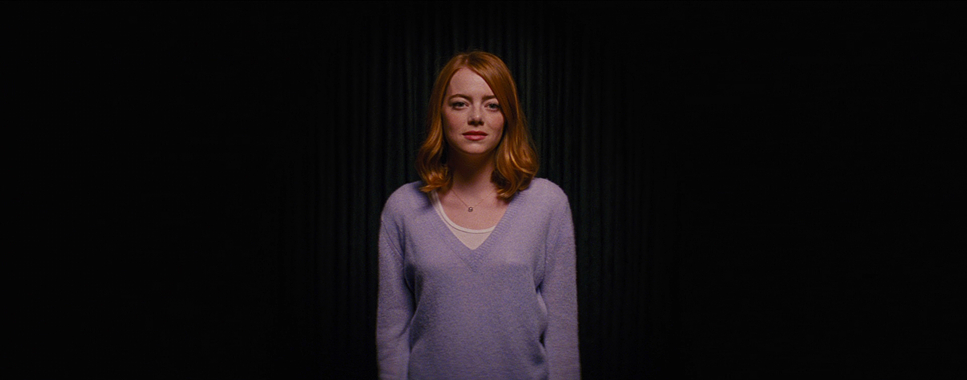
- Side Light: Enhances depth and texture.
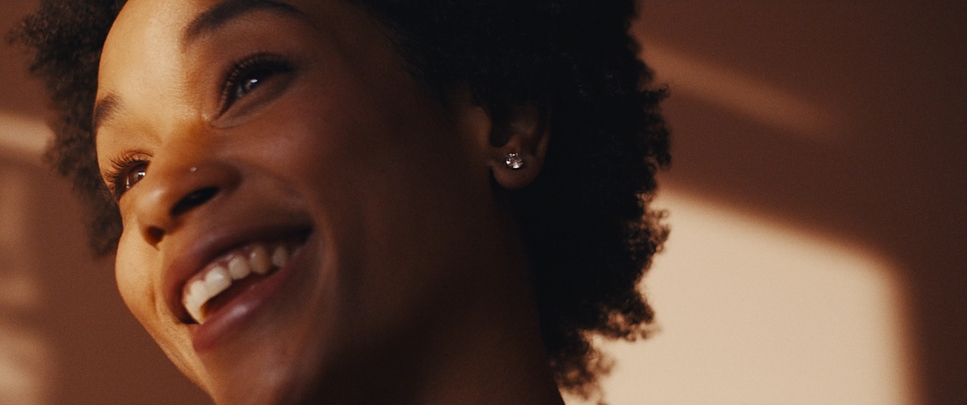
- Backlight: Creates a glowing rim; ideal for atmosphere or mystery.

- Top Light / Under Light:
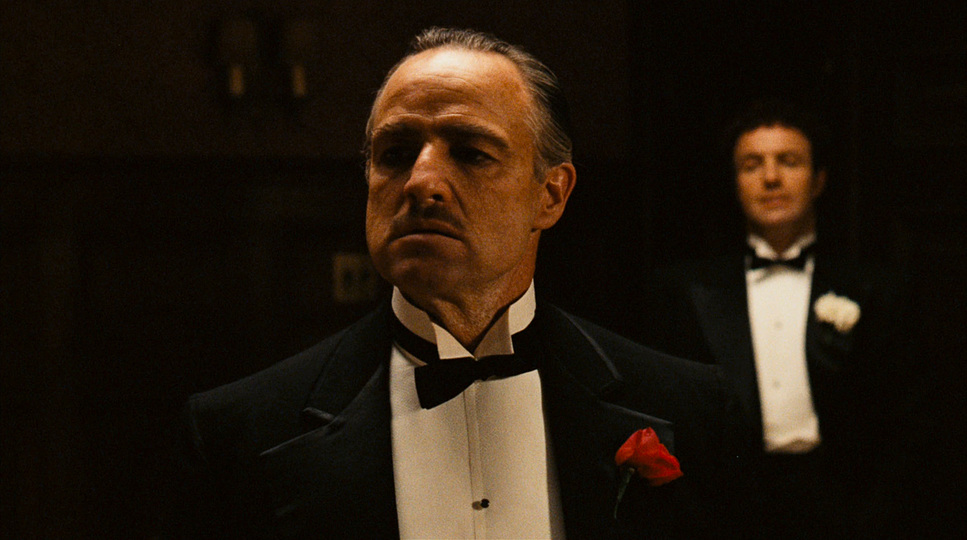
- Top light creates dramatic shadows (famously used in The Godfather).
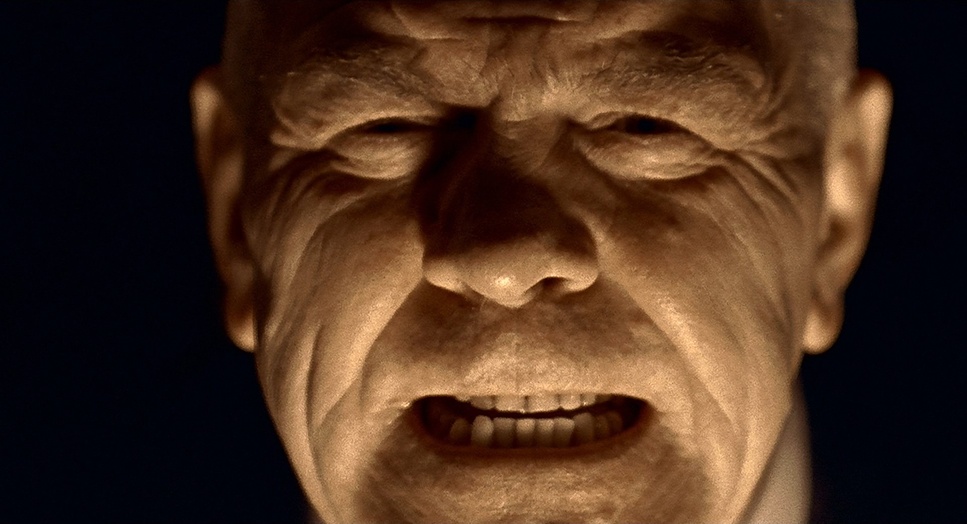
- Under lighting feels eerie; common in horror.
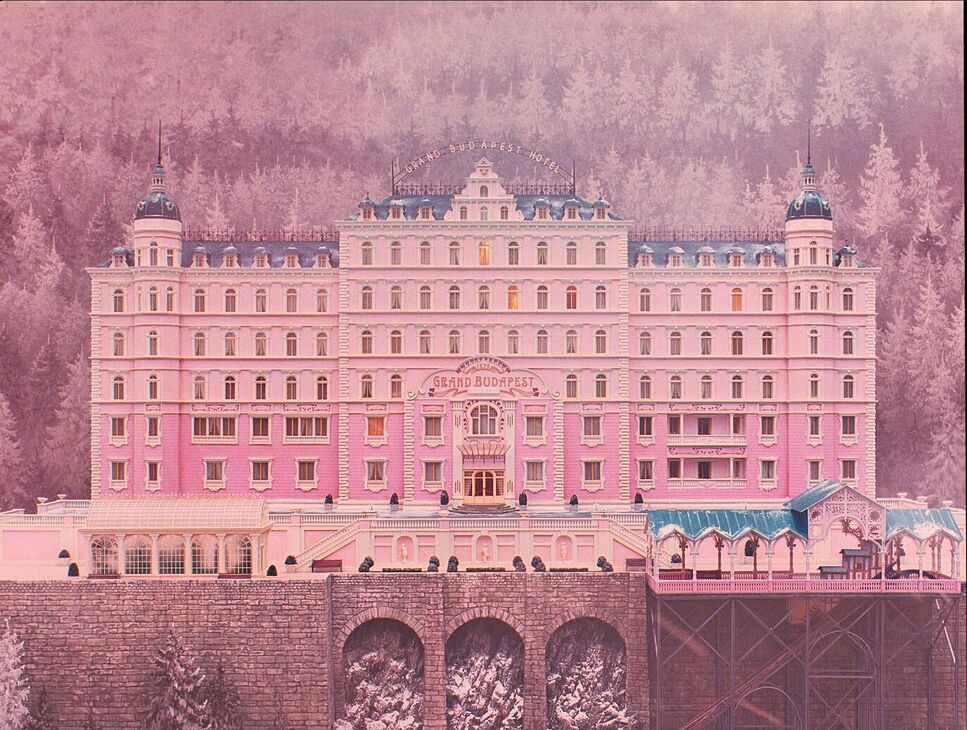
Lighting Key
- High-Key: Bright and soft; cheerful or clean.
- Low-Key: Shadowy and contrast-heavy; tense, dramatic, or noir-like.
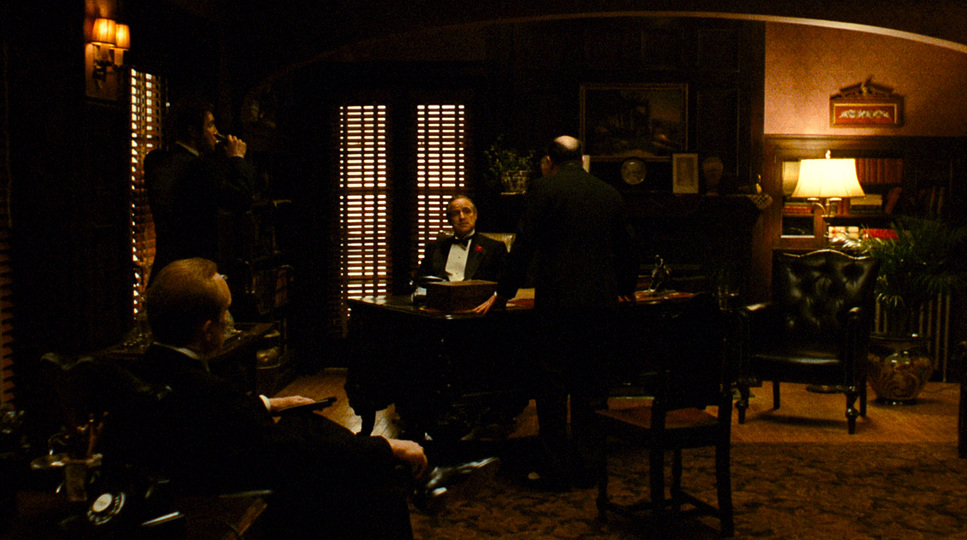
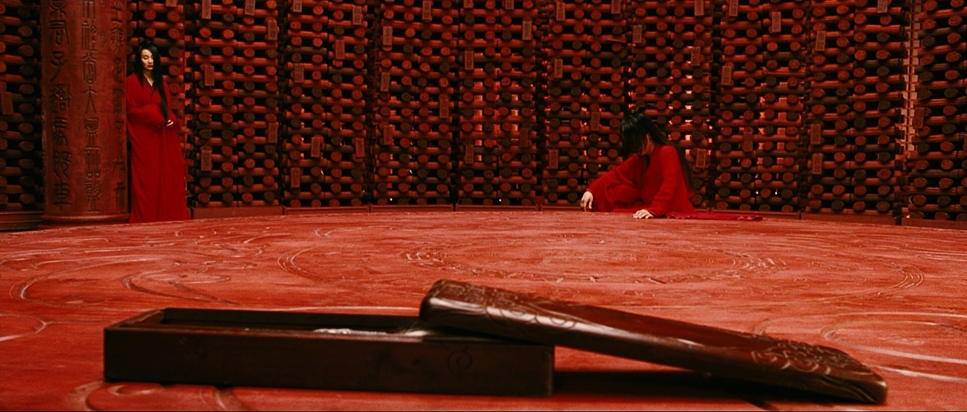
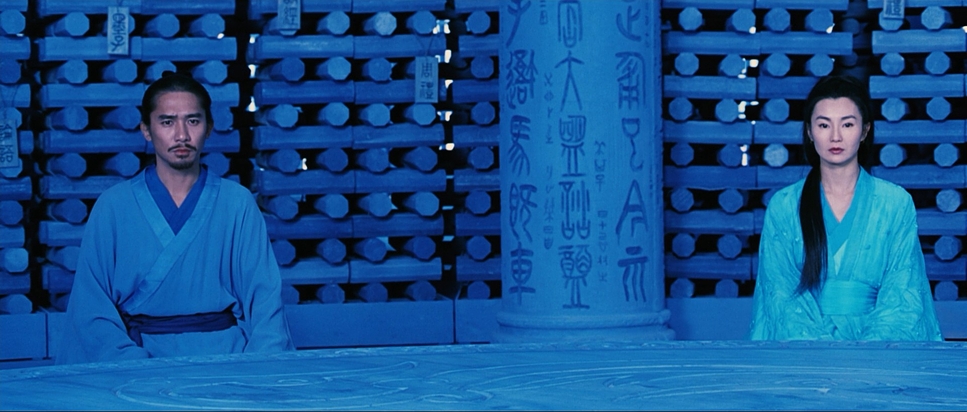
Color — Emotion Without Words
- Hue & Tone:
- Blue suggests coolness or melancholy.
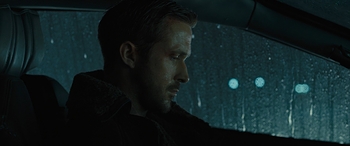
- Orange/yellow suggests warmth and nostalgia.
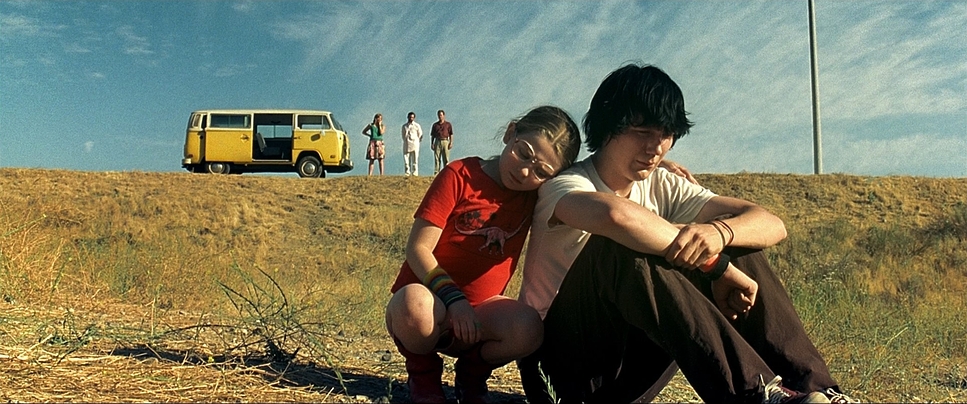
- Color Contrast: Complementary colors create strong visual focus.
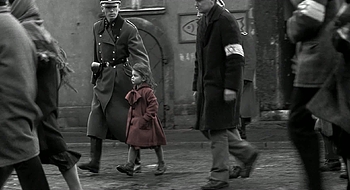
- Color Rhythm: Shifts in color across scenes help mark emotional transitions.
3. Camera Movement & Time — Bringing Motion to Meaning
Motion and time are what distinguish video from photography.
Moving Shots — Bringing the Viewpoint to Life
- Push-In (Dolly In): Moves closer; narrows focus; deepens emotional engagement.
- Pull-Out (Dolly Out): Reveals context; conveys distance or isolation.
- Pan / Tilt: Rotational movements to explore the surroundings.
- Tracking Shot: Moves physically through space; highly immersive.
The Role of Time — Pace, Rhythm, and Cadence
- Shot Duration: A typical comfortable duration is around 3 seconds, but shorter shots feel urgent while longer shots feel contemplative.
- Rhythm & Cadence: Editing must maintain a consistent pace to avoid visual dissonance. Shifts in rhythm signal changes in narrative or emotion.
4. Advanced Core — From "Recording" to "Storytelling"
Technical mastery serves one purpose: telling a story.
Visual Continuity
Consistency in light, color, motion, and space keeps the viewer immersed rather than confused.
The 180-Degree Rule
When filming characters or actions, keep camera positions on one side of an invisible axis to maintain directional clarity. Breaking the rule can disorient viewers—use it intentionally.
Montage — Creating Meaning Between Shots
Placing two unrelated images side by side can produce a third meaning not present in either image alone. This is one of cinema's most powerful expressive tools.
Conclusion — Become the "Director" of Your AI
AI drastically lowers the technical barrier to video creation, but taste, intention, and cinematic language still belong to the creator.
By mastering these core concepts—composition, lighting, color, camera movement, and timing—you transform from someone who "types prompts" into a director who shapes visual narratives. The AI becomes your crew; the cinematic vocabulary becomes your script.
Start experimenting with these concepts in your next AI video project. Pay attention to shot sizes, lighting directions, and camera movements. With practice, you'll develop an intuitive sense of how to communicate your creative vision to AI tools, resulting in videos that don't just move, but tell compelling stories.
Image Attribution
This educational article includes film screenshots for the purpose of demonstrating cinematographic techniques. All images are used for educational purposes only under fair use principles to illustrate visual concepts and techniques.
Films Referenced:
- Citizen Kane © RKO Pictures
- The Godfather © Paramount Pictures
- Blade Runner 2049 © Warner Bros. Pictures
- La La Land © Lionsgate
- Schindler's List © Universal Pictures
- The Grand Budapest Hotel © Fox Searchlight Pictures
- Hero © Beijing New Picture Film Co.
- Raise the Red Lantern © China Film Co-Production Corporation
- Cleopatra © 20th Century Fox
- Little Miss Sunshine © Fox Searchlight Pictures
- Lock, Stock and Two Smoking Barrels © Summit Entertainment
- Patton © 20th Century Fox
All rights belong to their respective copyright holders. These images are used solely for educational commentary and criticism. If you are a rights holder and wish for any image to be removed, please contact us at hello@videoairesources.com.